The apps we use shape who we are. So it’s worth thinking twice before committing to one for the long run.
That said, note-taking takes up a significant portion of the time most of us spend inside an app every day. In that regard, Obsidian is one of those topics that comes up frequently, and for all the right reasons. Here’s why using a platform like this is more important than you might think.
Beyond note-taking, there’s real value in building up a systematic place for your thoughts, ideas, and essential references, all in one place. Over time, that convergence of thinking becomes something that works for you across everything you’re doing and working toward.
Sounds amazing. But here’s the tricky part.
Finding the right platform to build that kind of system isn’t easy, because this choice is deeply personal. It might depend on your personality, your values, the specific projects you’re working on, and your long-term goals. But the good news is that some tools are flexible enough to be moulded into exactly the system you need. Obsidian is one of those.
So, how is Obsidian different from the other apps out there for personal knowledge management? Why Obsidian, among all the available options?
Here’s my experience with the note-taking apps I’ve used, and why I keep coming back to Obsidian for personal knowledge management over everything else.
Table of Contents
From Evernote to Obsidian: my ten-year search for the right personal knowledge management app
I had this idea of having an excellent note-taking system when I was an undergraduate student. Back in 2016, the most obvious option was Evernote, so I went with it. As of now, I have more than 2000 entries across different notebooks in Evernote.
Then I realized something was fundamentally missing for my needs. There was no way to build connections between notes. It’s just a stack of notes piling up, with no way to think across them. I couldn’t “think” with Evernote.
So I moved to OneNote, which had far more options. But it had the same problem. No way to link notes. And OneNote’s infinite canvas format made it overwhelmingly more often than not.
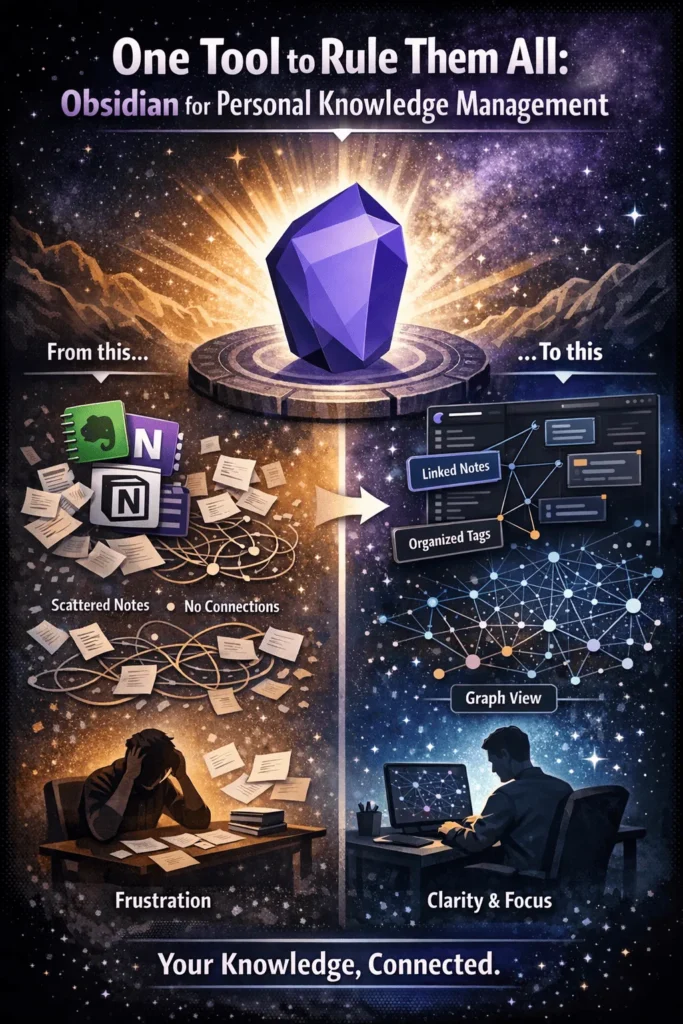
Then came Notion, which I still use today, but for different reasons. You can link notes and files in Notion, but it’s not built for that purpose. Every time I tried, I was working against the system. And that created a slow, steady mental fatigue over time.
Still, Notion was one of my go-to apps for a while, not as a thinking tool, but as a data storage platform. So I stuck with it.
Right before I graduated, I started questioning what I actually needed from an app for “thinking.” It had to be fast, no matter how many notes I had or how complex the system got. And most importantly, I needed to be able to link my thinking, so my notes would grow into a system that serve me well over the long term.
That’s when I found Roam Research. It checked both boxes.
I thought I’d finally found it, after a handful of apps and three years of searching. But a different kind of mental fatigue crept in with Roam. The app had everything I wanted feature-wise, but something was still missing. It took me another year to figure out what.
Roam Research is simple, elegant, and lightweight. But there’s very little control over how files are sorted and managed within the app. Every time I sat down to think through ideas, I felt a resistance, something about the structure, or lack of it, got in the way.
Over time, I’ve come to see that the most important quality of a note-taking system isn’t just linking. It’s how well the app handles sorting and file management. Roam had the linking, it was the organization that fell short.
So the question became, what app has both? Bi-directional linking and solid file management?
That’s when I first came across Obsidian. Here’s what sets it apart.
Bi-directional linking
The best way to explain bi-directional links is in contrast to traditional hyperlinks. Traditional links let you connect from one page to another, but the page being linked to has no idea anyone is pointing to it.
It’s a one-way street. Bi-directional links work differently. They establish a two-way connection between pages, so you can move in either direction: follow a link forward to its destination, or trace it backward through all the pages that link to it.
Many apps offer this now. But there’s a catch. Without some structure around it, you can end up with nothing but a tangle of linked files going nowhere.
That’s where the need for a layer of organization comes in, something to sit above the links and bring order to them.
For me, that layer is tags.
But too many tags create their own problem. Over time, you forget what tags you even created, and the system starts working against you.
The answer I found was nested tags.
Nested tags: better sorting
In all the note-taking apps I’ve used, I’ve never come across this feature anywhere but Obsidian.
Nested tags are what made me stick with it, and I haven’t looked back.
Here’s why it matters. Say you spend a year actively writing notes. You’ll end up with at least 100 independent tags. At that point, the very thing you created to organize your thinking starts working against you. I ran into this with Roam Research. To its credit, Roam has powerful query functions that can help sort things, but you end up spending so much time wrestling with the system that there’s little room left to actually think inside it.
When an app stops getting friendlier the more you use it, that’s a sign that something isn’t working.
Obsidian is different. The more you use it, the more productive it gets. And nested tags are a big part of why.
There’s one more thing worth mentioning. If you rename a tag, Obsidian automatically applies that change to every single file. Every single one.
File management
There are many ways to manage your workflow in Obsidian. Tags and nested tags are one way. But Obsidian also has its own nested file management system, so you can organize things whichever way feels natural to you.
Local file system
You own your files. You own your data.
That alone is one of the best reasons to use Obsidian. In an age when cloud services can shut down, get acquired, or change their privacy settings overnight, the last thing you want is your life’s work locked into a proprietary format you don’t control.
With Obsidian, everything lives in a local folder on your machine.
I personally store my Obsidian vault in cloud storage so I can access it across my computers. But that’s my choice. The point is you have far more options with obsidian than with almost any other similar tool.
It doesn’t get any simpler than this
Obsidian runs on Markdown, a simple and widely used format. If you’re already familiar with markdown syntax, there’s almost nothing new to learn. And if you’ve never heard of markdown, it’s the most basic markup language there is. It won’t take long to get comfortable.
Graph view
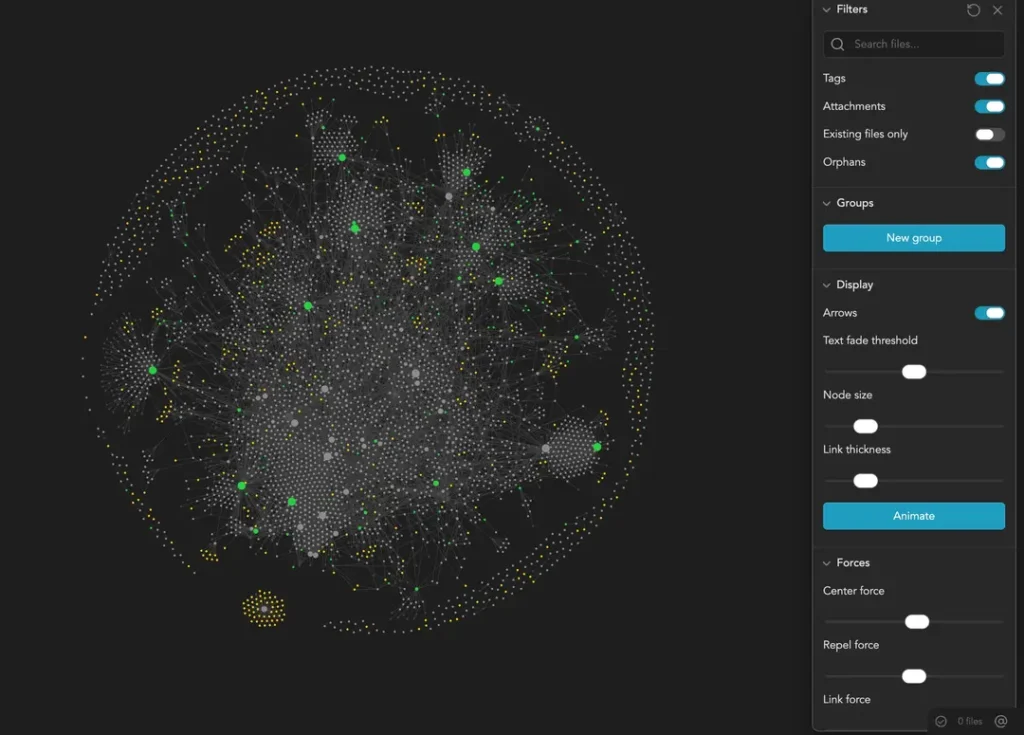
Obsidian lets you view all your files as a visual map. A lot of other note-taking apps offer something similar.
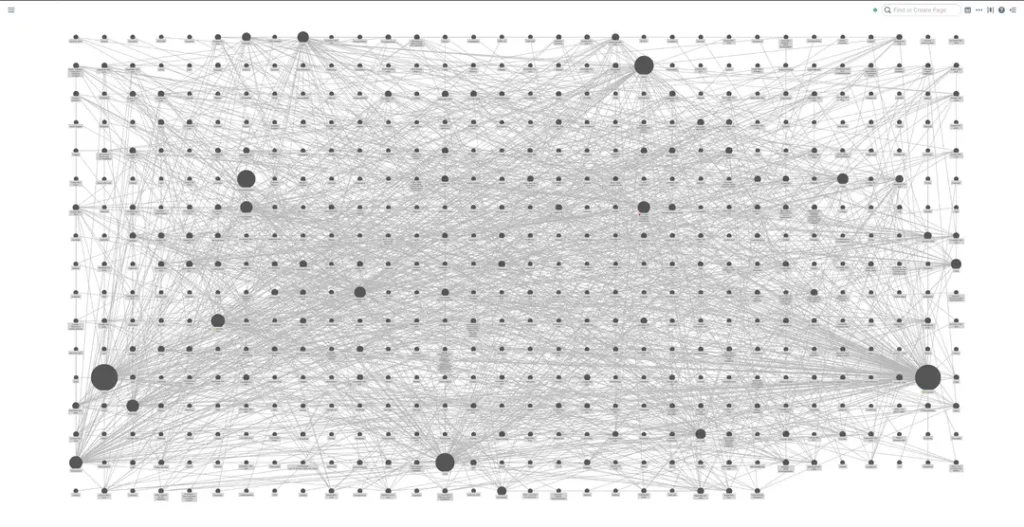
The difference with Obsidian is what you can actually do with it. The graph view isn’t just a visual. It’s functional. The options available let you see the connections between your files and tags in a way that actively helps you think.
Final words
The apps we use shape who we are.
For personal knowledge management, Obsidian is one of the few tools on the market that genuinely gets better the more you use it. The learning curve is a bit steep, but it’s worth it. And looking back, it’s never felt like a wrong choice.
